Disclosure: No affiliate links or paid product recommendations appear in this article.
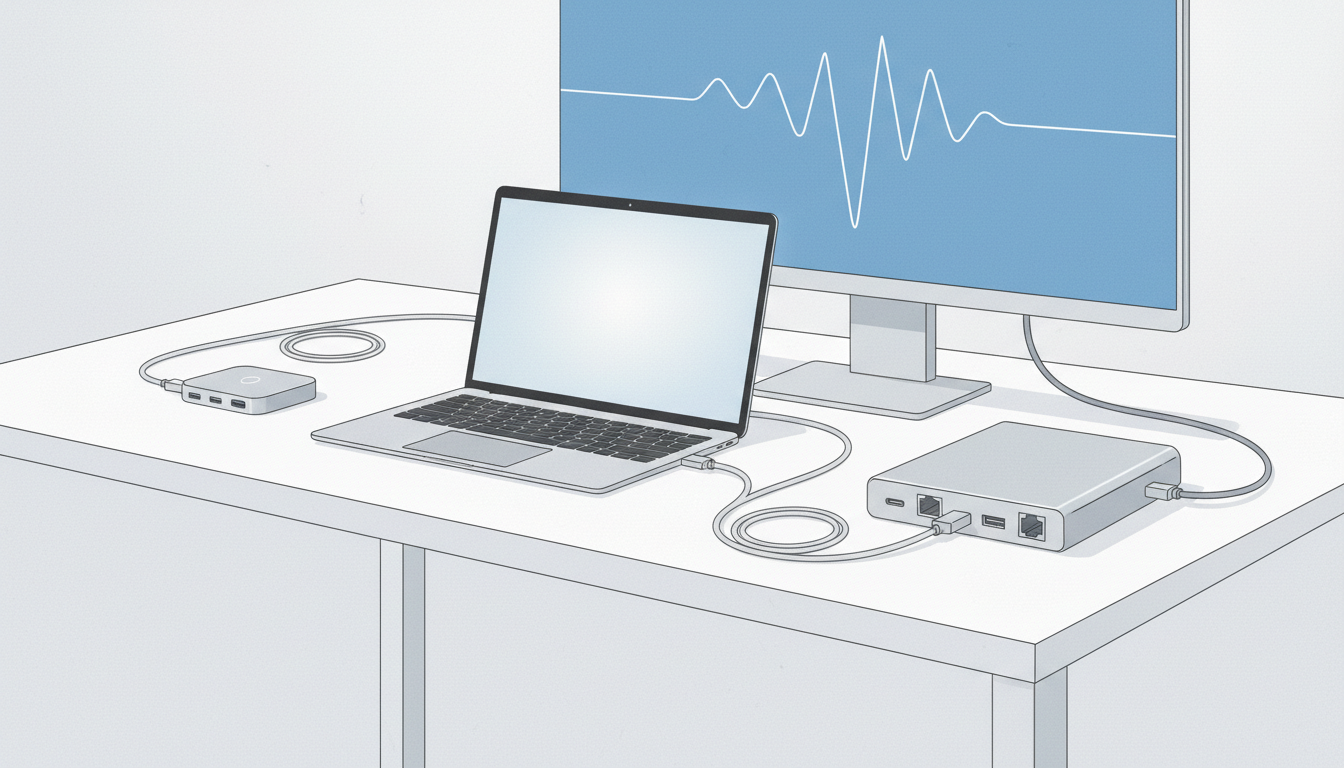
A USB-C hub and a desktop dock can look similar in a product photo. What matters is how many devices you connect, whether your laptop supports video through that port, and how much power the setup needs. I’d write down the actual devices first rather than shopping by port count.
Hub or dock: what is the practical difference?
| Use case | Portable hub | Desktop dock |
|---|---|---|
| Mouse, keyboard and USB drive | Often sufficient | Usually unnecessary |
| Occasional HDMI presentation | Can work if host port supports video | Can work if compatible |
| Permanent multi-device desk | May be less convenient | Often tidier |
| High-power peripherals | Check power budget carefully | Powered model may be preferable |
Why the USB-C connector is not enough information
USB-C describes the connector shape, not a promise of display output, charging input or a particular data speed. Check your laptop’s exact port specification and the hub’s supported modes. A product advertising 4K output cannot add video capability to a laptop port that does not provide the required signal.
Five checks before choosing
- Host compatibility: Confirm the laptop model and supported USB-C functions.
- Display needs: Count monitors and check resolution and refresh-rate requirements for the exact configuration.
- Power: Determine whether the adapter accepts pass-through charging and whether the laptop’s power requirement is covered.
- Shared bandwidth: Many ports can share one upstream connection; simultaneous high-speed transfers may be limited.
- Cables: Check whether the included cable reaches your desk layout and supports the advertised features.
When should you avoid buying either?
If you only need a single USB-A accessory, a small adapter may be enough. If your laptop already has the right ports, keep using them. Avoid a large dock just to make your desk look like a promotional photograph.
A simple desk-planning exercise
Draw the laptop, monitor, charger and accessories. Label each required connection and mark which ones need to remain attached every day. This reveals whether you need a permanent one-cable docking arrangement or an inexpensive occasional-use hub.
For related details, read our USB-C hub buying guide and USB-C cable labels explained. For technical terminology, consult the USB Implementers Forum specification resources.
Bottom line: A dock is worthwhile when it solves a recurring connection problem; a simple hub is often enough for occasional accessories.
Leave a Reply