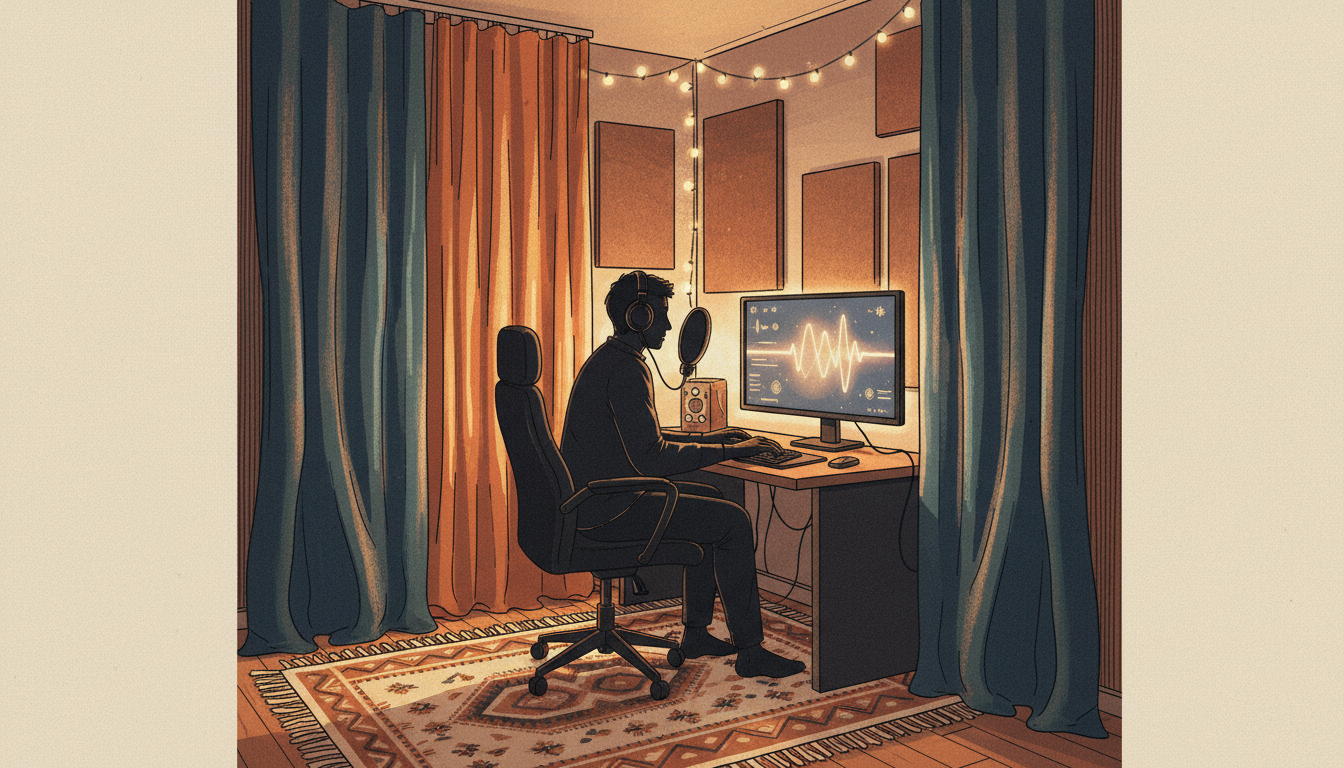
When a voice sounds hollow on a call or stream, buying a more expensive microphone may not help. A small bedroom can still sound reflective if the microphone is far away and the walls, floor and desk are hard surfaces.
First identify the problem
Record the same short sentence in your usual position. If the sound has a lingering, roomy tail, reflections may be part of the problem. If you hear a distinct delayed repetition, check whether a speaker, monitoring route or second microphone is feeding audio back into the recording. Those problems need different fixes.
Move the microphone before moving furniture
Place the mic reasonably close to your mouth and slightly off-axis to reduce breath bursts. Keep the recording level below clipping. This increases the proportion of direct voice compared with room sound. A close headset microphone can work particularly well in a shared room.
Use what you already own
- Close curtains over bare windows during recording.
- Put a rug or other soft surface on an otherwise bare floor if practical.
- Use existing bedding and upholstered furniture to soften some reflections.
- Move away from a bare corner or large reflective wall when possible.
- Turn down nearby speakers or use headphones to avoid audio feedback.
Do you need acoustic foam?
Thin decorative foam is not soundproofing. It may change some reflections, but it will not stop loud traffic or neighbors from being heard through walls. In rented accommodation, avoid adhesives that damage paint or violate residence rules. I’d test inexpensive changes first.
Run a fair before-and-after test
- Record a 20-second clip at a fixed mic gain.
- Change one thing, such as mic distance or curtain position.
- Record the same words from the same seat.
- Listen at equal playback volume with headphones.
- Keep the change only if speech becomes clearer.
What about OBS filters?
Noise suppression can reduce some steady background sounds, but it is not a substitute for better mic placement and room acoustics. Aggressive processing can make voices unnatural. If your sound is distorted or duplicated, see our OBS audio troubleshooting checklist. For a wider equipment comparison, see microphone types for beginners.
Bottom line: Position, distance and a few existing soft furnishings are the first experiments worth trying. Don’t confuse reducing echo with soundproofing.
Leave a Reply