Affiliate disclosure: This article contains a sponsored affiliate product link. We may earn a commission if you purchase through it. We have not physically tested the featured controller.

Touchscreen controls can be fine for casual games, but virtual buttons often cover part of the display. A physical mobile gaming controller may help with games that support it—provided your phone, case and favorite titles are compatible.
Start with the games, not the controller
Not every mobile game supports an external controller. Some offer native gamepad support; others require touch input or have limited button mapping. Check the official game’s control options before spending anything.
Compatibility checklist
Phone connector and operating system
Mobile controllers use different connection methods, such as USB-C, Lightning on older devices, or wireless pairing. Do not assume an Android-oriented USB-C controller will work with an iPhone simply because a plug fits. Confirm operating-system support for the exact model and variant.
Phone size and case thickness
Telescoping controllers have a minimum and maximum span. Thick protective cases and large camera bumps may interfere with a snug fit. Read the listing’s physical dimensions carefully.
Latency and charging
A direct wired connection may reduce some wireless pairing concerns, but the experience still depends on the game and phone. Check whether pass-through charging is supported; do not assume every controller allows charging while playing.
Buttons and ergonomics
Compare stick placement, triggers, grip shape and button mapping with games you actually play. Long sessions are easier when your hands can hold the device comfortably, but fit is personal.
When a controller makes sense
- You regularly play mobile games with confirmed gamepad support.
- You want a more console-like grip while traveling.
- You find touch controls uncomfortable or obstructive.
- You prefer one compact accessory rather than carrying a larger controller and a phone clip.
When to skip it
If you mostly play games designed around touch gestures, or your favorite titles have no native controller support, the accessory may sit unused. You also may not need one if you already have a compatible Bluetooth controller.
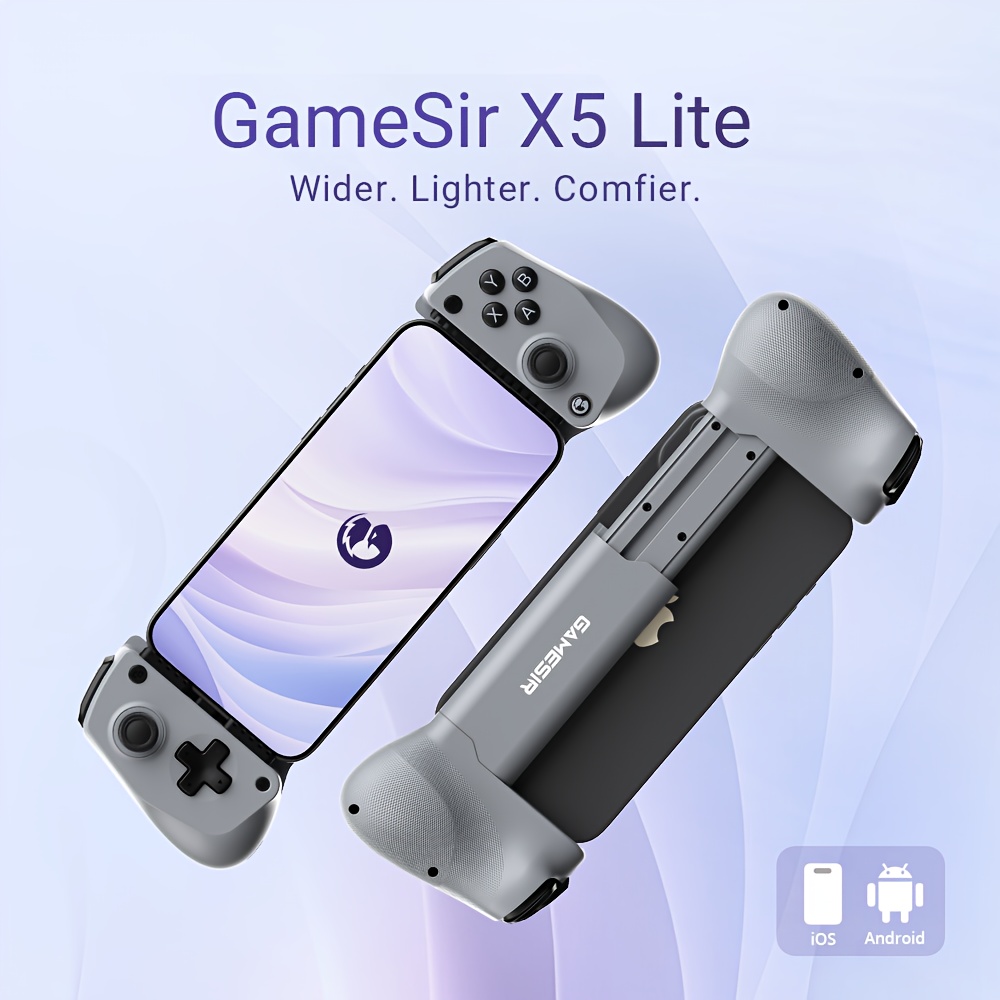
Featured product: GameSir X5 Lite
The GameSir X5 Lite mobile controller appears in our selected product collection. Before ordering, verify your specific handset, connection type, app support, physical dimensions, and current warranty or return policy with the seller.
Check the GameSir X5 Lite listing on Temu · Browse our Shop.
Bottom line
For the right games and a compatible phone, a mobile controller can be a worthwhile comfort upgrade. Compatibility—not discounts or flashy product images—should decide the purchase.
Leave a Reply